
DepsDiverTM Guide
There are two different ways to investigate:
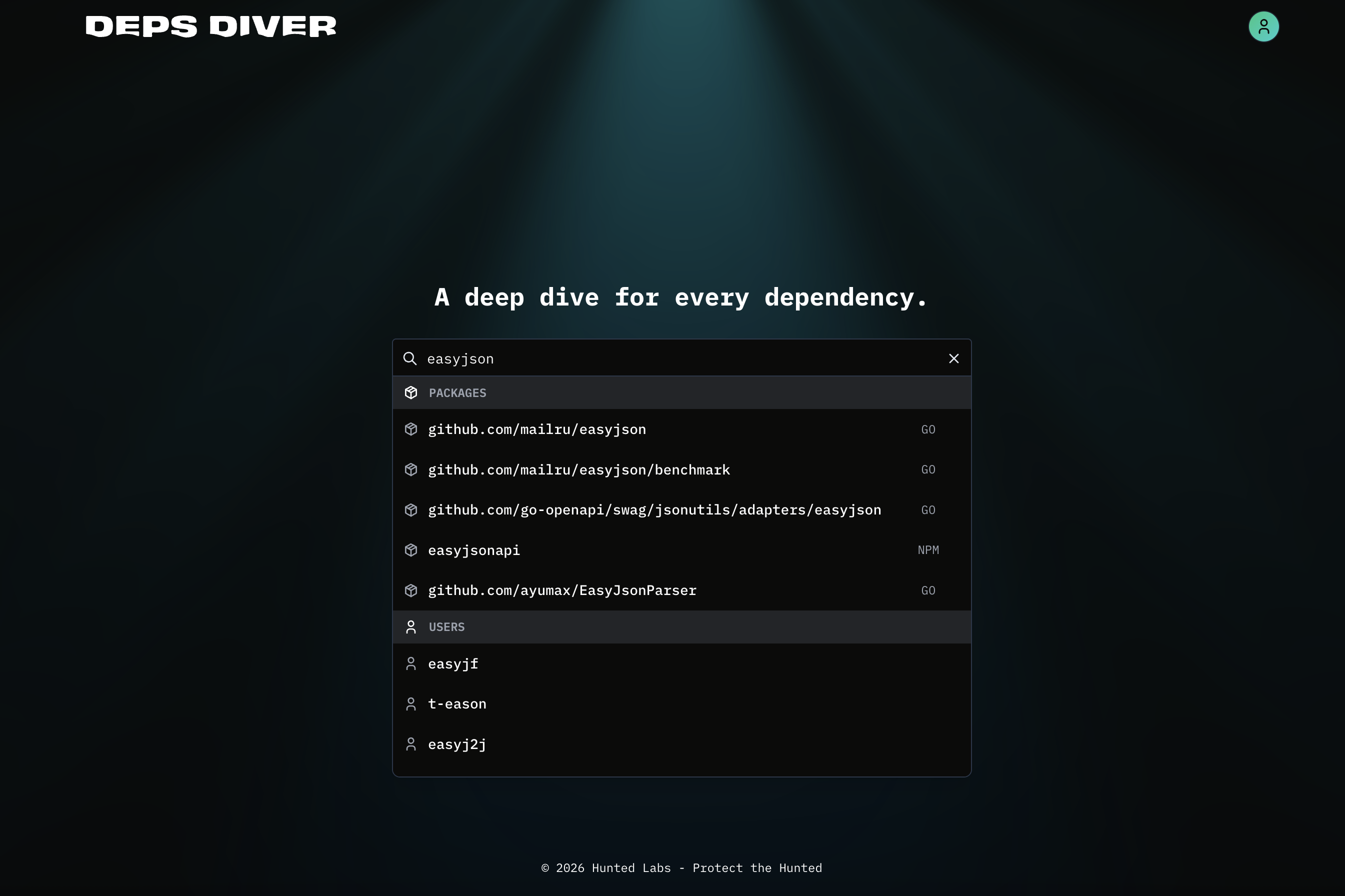
To search by package, input the package name into the search box. You will be presented with packages that match that package name along with the language ecosystem they are in. Please note: For the go ecosystem, you must input the full repository path for that package.
When you are ready, hit enter to search.
Try it out: As an example, try searching for easyjson in the go ecosystem. This package is a great example of adversarial foreign influence across both package ownership and contributors.
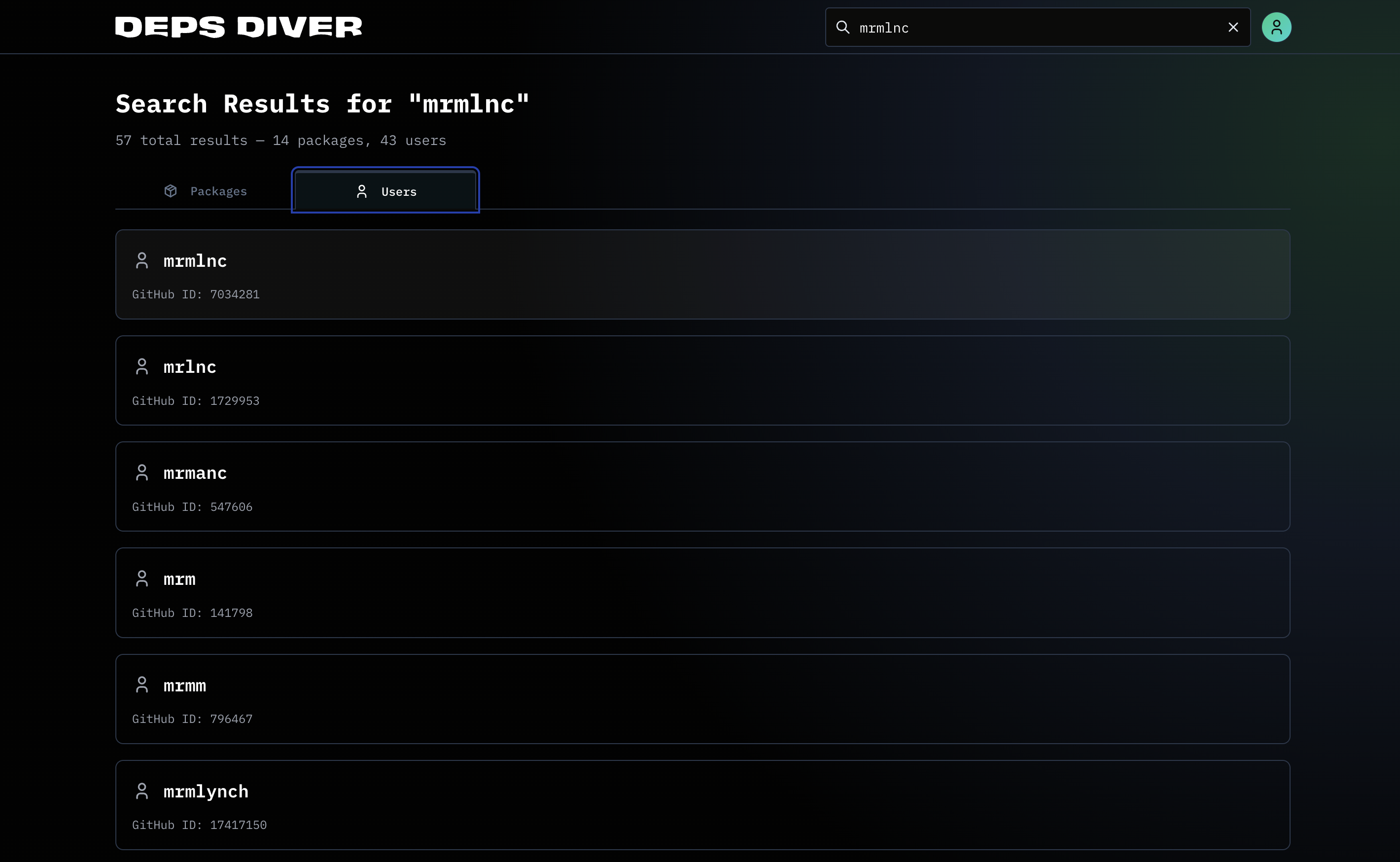
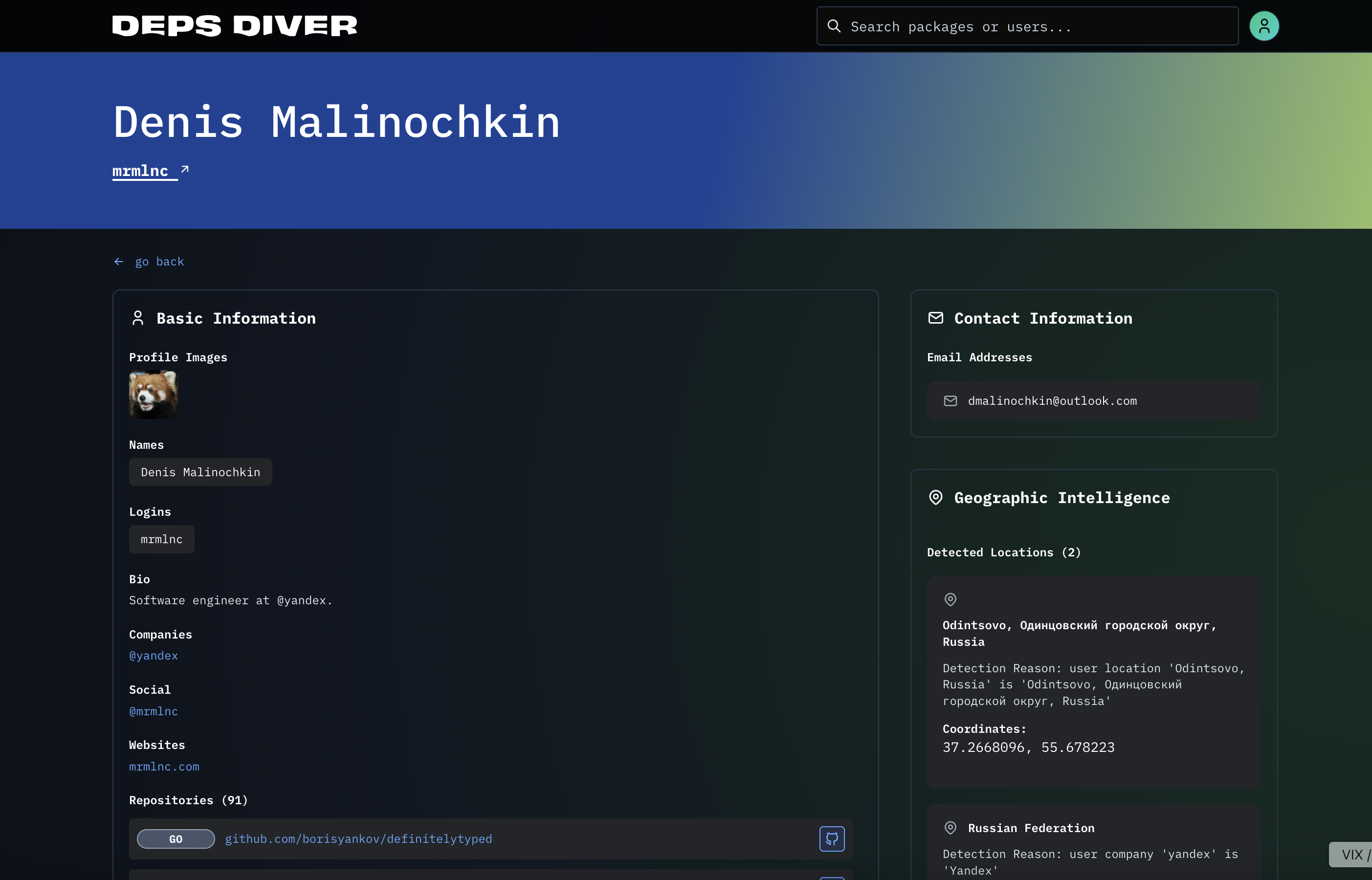
To search by contributor, input a Github username into the search box and hit enter. On the results page, click on "Users" and click on the user you want to research.
Try it out: Search for the user "mrmlnc".
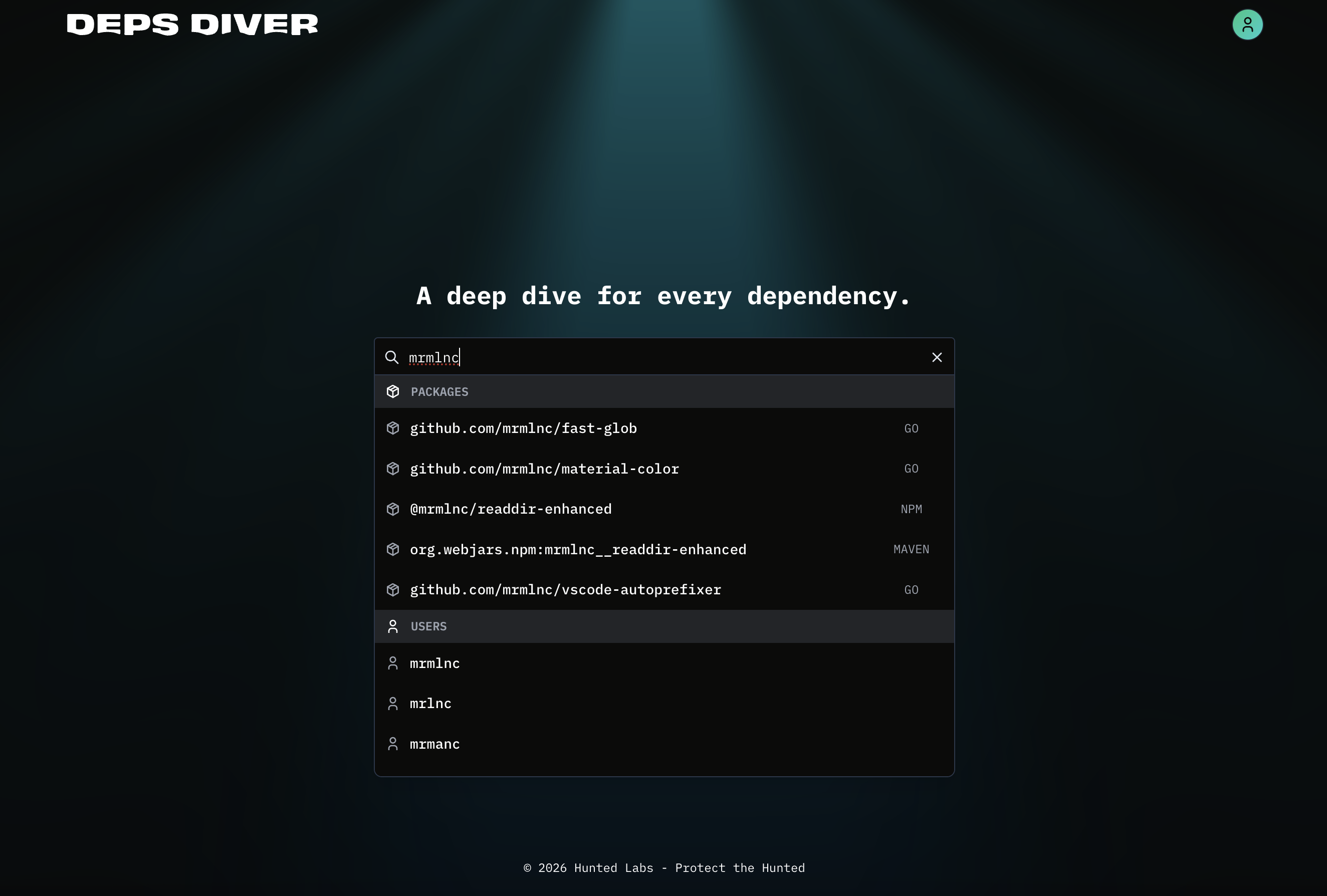
When you click on the profile, it will show you all of the information available about them.
Upon executing a search, you’ll arrive at the package search results landing page. If the top banner is red, that means there is some level of foreign influence detected in your package. Below this banner, you’ll see the following scorecards:
- OpenSSF Scorecard data
- FOCI Countries
- FOCI Contributors
- FOCI Organizations
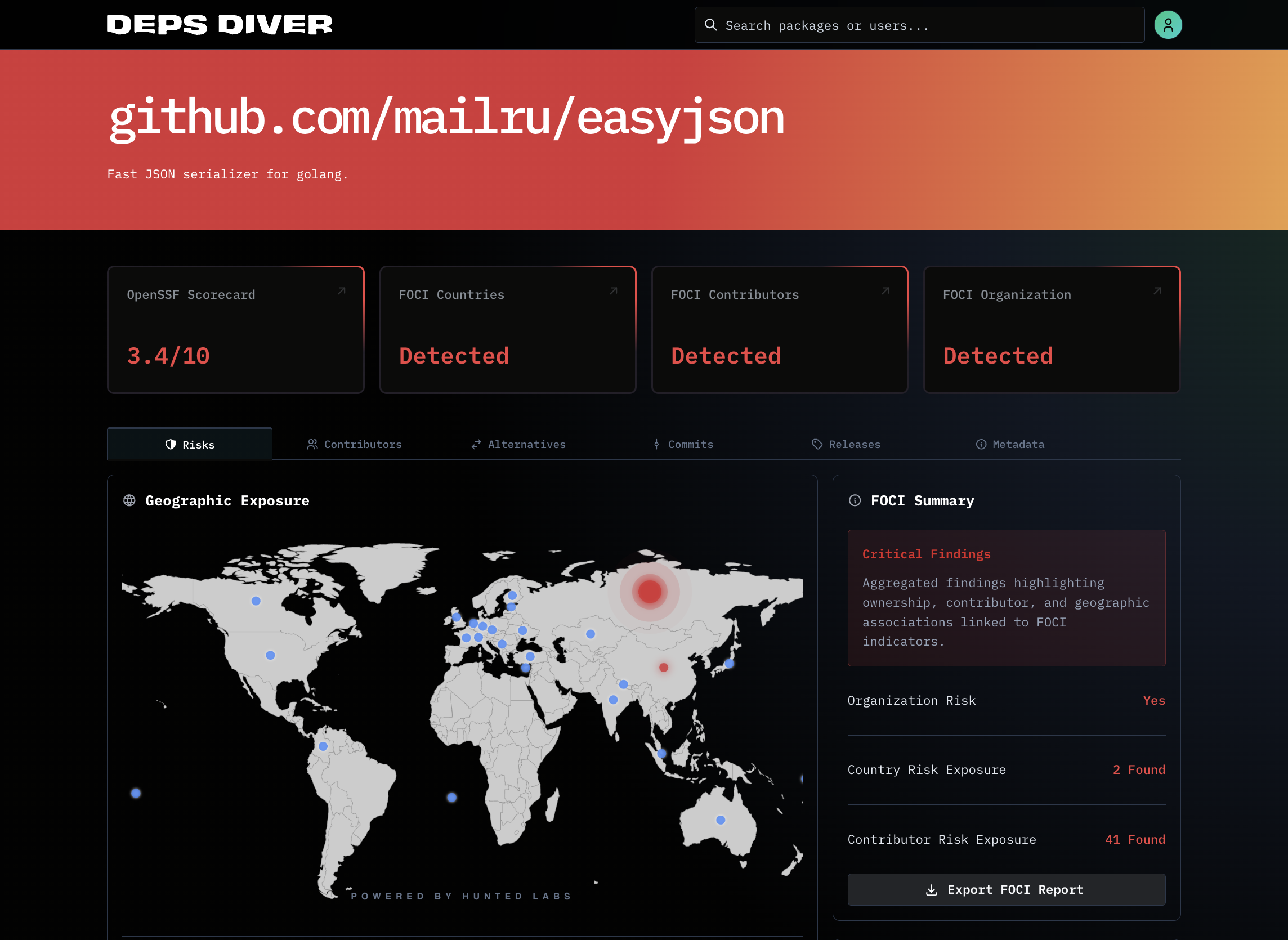
Below that are a few tabs highlighting:
Below these tabs, DepsDiver™ displays a chart revealing your package’s top contributors, as well as their geocoded location data.
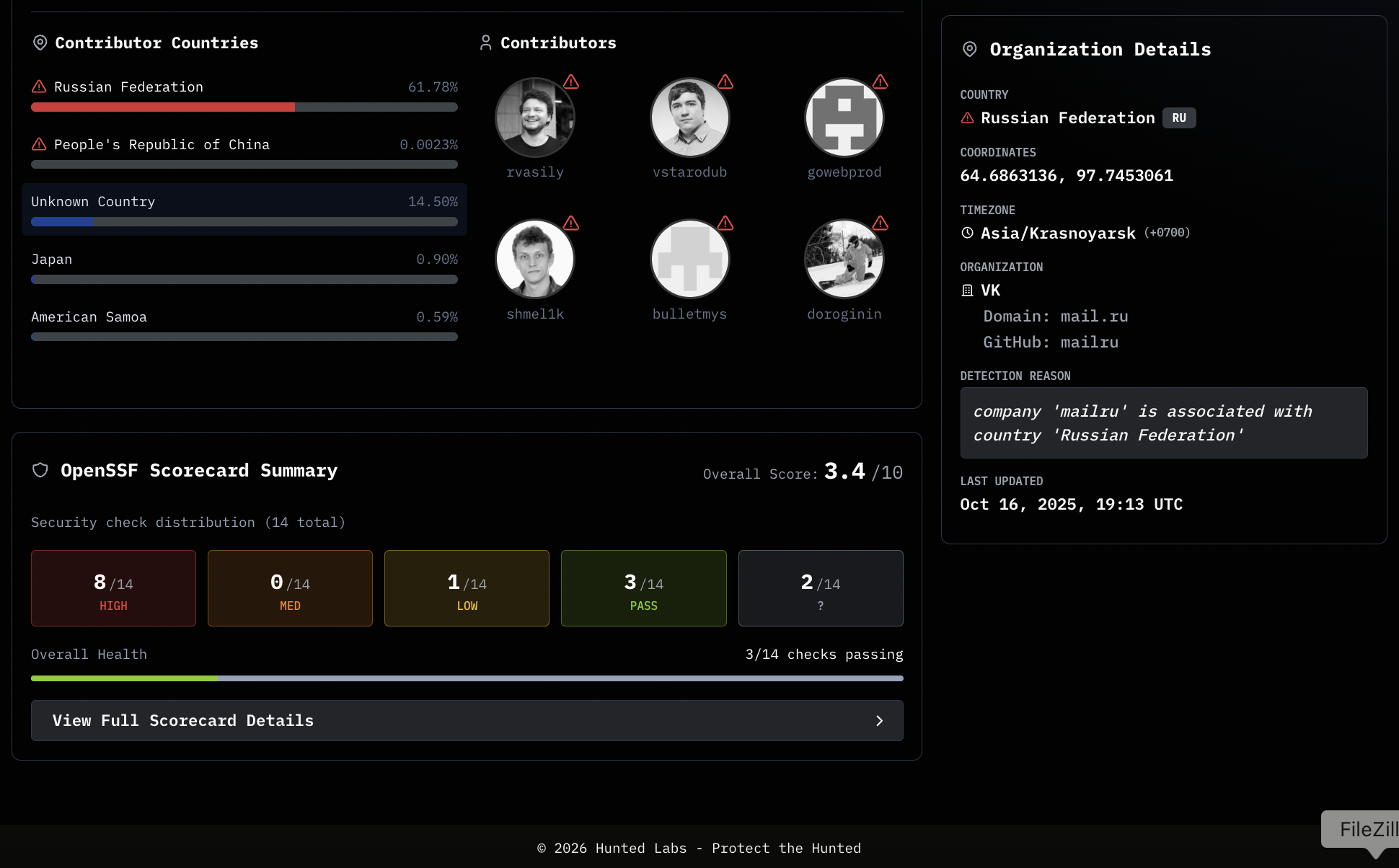
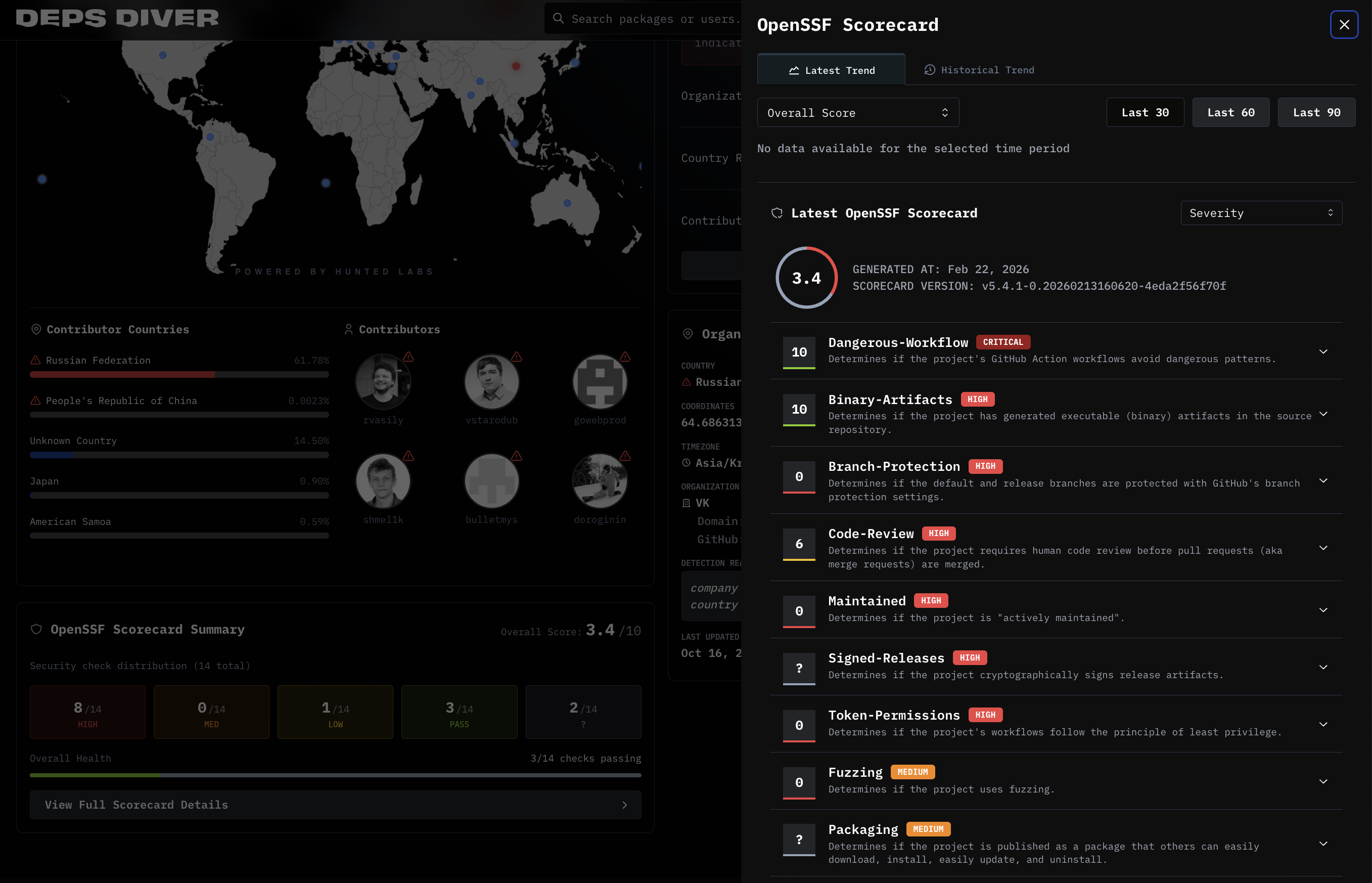
As you scroll further down, you get to the details of the OpenSSF scorecard. Click "View Scorecard Details", to access all related data.
All contributor information available in DepsDiver™ is tied directly to published open source packages. If you come across a username that does not produce results in DepsDiver™, then that profile has not contributed to a package published under one of our tracked language ecosystems.
Please send us an email at support@start-depsdiver.com. Happy diving!

Stay Connected
Contact Us



2026 All Rights Reserved | Hunted Labs